
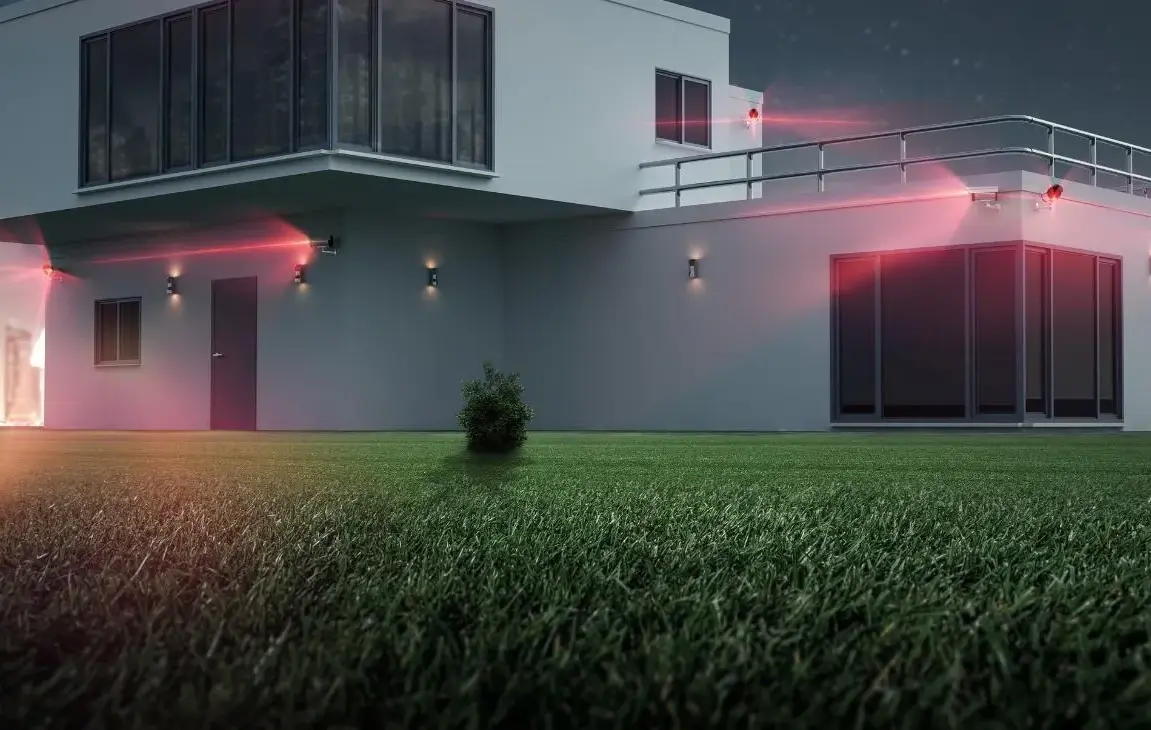
House Camera System
By: John Ledford | Date Posted: January 27, 2022
Table of Contents
A house camera system is a set of connected security cameras that record your property and stream live video and alerts to your phone. The good news: you no longer need a security company to install or watch it. A decent kit costs less than a night out, and most of them go up in an afternoon. The catch is picking the right one, because a $35 camera and a wired 4K kit solve very different problems.
This guide walks through what actually matters when you shop, then lays out five systems worth your money, from a battery camera a renter can stick by the door to a wired kit that covers the whole yard.
What to Look For in a House Camera System
I picked the five below on features, value, and track record, not a paid lab test, so read the buying notes first and match a camera to your house instead of grabbing whatever is on sale. Here is what separates a camera you keep from one you return.
Wired or wireless?
Wireless (WiFi) cameras are the easy road. You mount them, connect to the app, and you are done in fifteen minutes. They run on a plug, a rechargeable battery, or a small solar panel that tops the battery up during the day. The trade-off is that they lean on your WiFi and, often, a monthly cloud plan.
Wired kits (PoE or DVR) take more work. You run a cable to each camera, which is the fiddly part, but you get a rock-steady connection and footage saved locally with no subscription. If you want to cover a whole property and never think about batteries, wired wins. Our roundup of the best hard-wired security cameras goes deeper if that is your plan.
Resolution: 1080p vs 4K
1080p is fine for a porch or a room. 4K holds about four times the detail, which is what lets you zoom in on a face or a license plate after the fact without the image falling apart. More resolution eats more storage, though, so match it to the job:
- 1080p: doorways, hallways, general “who’s there” coverage.
- 4K / 8MP: driveways, gates, anywhere you may need to identify someone later.
Where the footage lives: local vs cloud
This is the part people miss until the bill shows up. Two ways to store video:
- Local: a microSD card, or a DVR/NVR box that ships with a hard drive. Pay once, keep the footage in the house.
- Cloud: recordings sit on the maker’s servers behind a monthly plan (Ring Protect and the like). Convenient, but it is a recurring cost, and some cameras hide their best features (like activity zones) behind that plan.
If you dislike subscriptions, buy a camera or kit with local storage and check what you lose without the plan before you order.
Power: plug-in, battery, or PoE
Battery cameras go anywhere but need recharging, more often on a busy driveway than a quiet side yard. Plug-in cameras never die but tie you to an outlet. PoE (Power over Ethernet) cameras pull power and data down a single cable, which is the cleanest wired setup once you have fished the wire.
Night vision and AI person detection
Most break-ins happen after dark, so night vision range matters. Look for a stated distance (100 feet and up is solid for a yard). Newer cameras also add AI detection that tells a person from a passing cat, a car, or a swaying branch. That is the feature that stops your phone buzzing forty times a night. Ring and Wyze even let you flag specific events, like a car parked in the driveway. Just know that on many cameras the smart detection runs on the maker’s servers, which can mean another subscription.
Frame rate and video quality
Jerky footage is a classic complaint, and it comes down to frame rate. Older cameras (2013 and back) often recorded at 7fps to save space, which drops fast-moving events like someone rushing a door. Today’s cameras shoot 15 to 30fps. A simple rule:
- 15fps: quiet, low-traffic areas; smooth enough and saves storage.
- 30fps: entrances, driveways, gates, anywhere fast motion or plates matter.
Self-monitored or professionally monitored?
Every camera here is self-monitored: alerts and live video come to your phone, and you decide what to do. That saves the monthly monitoring fee a security firm charges. If you want a company watching around the clock and calling the police for you, that is a full alarm setup, and our guide to the best home security system covers those.
Here is how the five picks stack up at a glance:
| Camera | Type | Resolution | Storage | Best for |
|---|---|---|---|---|
| Ring Stick Up Cam | Wireless (battery/plug-in) | 1080p | Cloud (Ring Protect) | Renters, quick placement |
| Reolink 4K PoE | Wired PoE kit | 4K / 8MP | Local NVR | Sharp detail, no subscription |
| ZOSI 1080p | Wired DVR kit | 1080p | Local DVR | Budget multi-camera coverage |
| ANNKE 5MP | Wired BNC kit | 5MP | Local DVR (1TB) | Weatherproof outdoor runs |
| Rraycom 1080p | Wired outdoor kit | 1080p | Local DVR | Full outdoor perimeter |
The 5 Best House Camera Systems
No products found.
1. Ring Stick Up Cam (1080p, Battery)
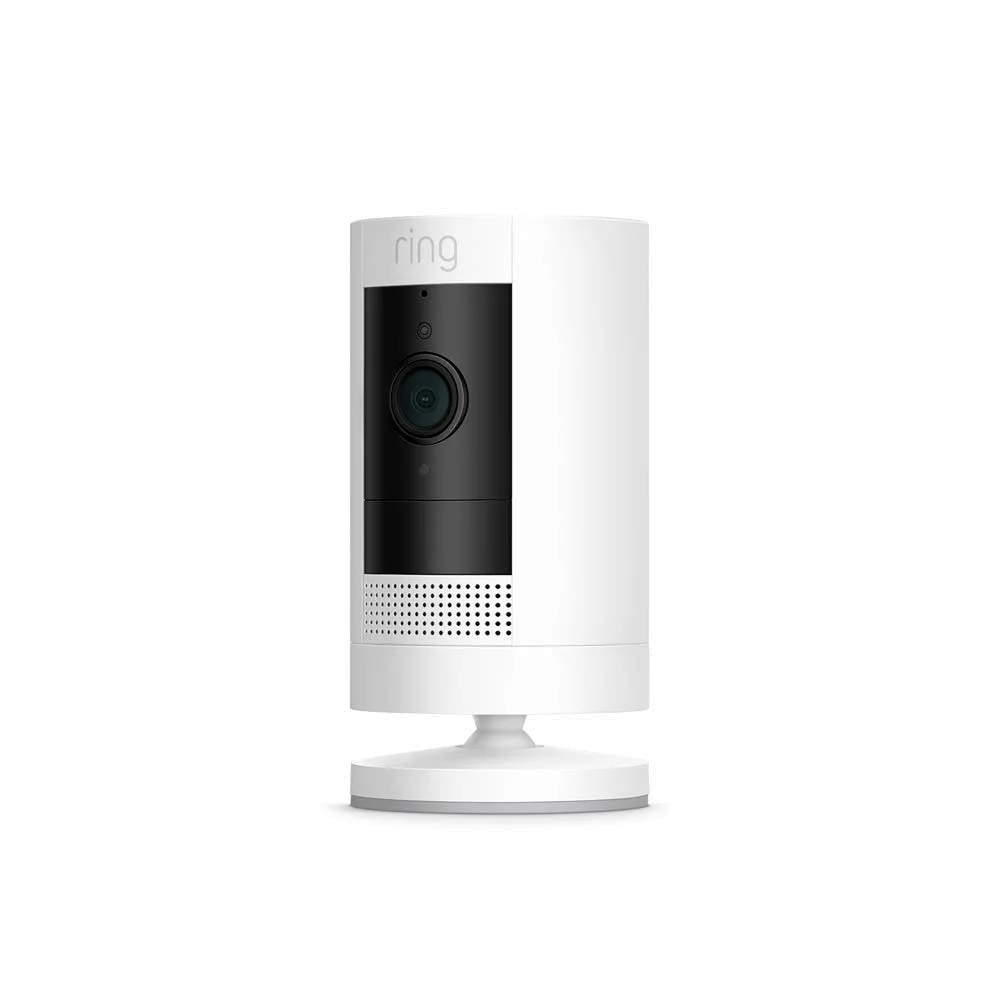
The easiest camera on this list to live with. It runs on a battery or a plug, so you can stick it by the door, in the garage, or on a shelf indoors without running a single wire. Open the Ring app and Live View shows you what is happening any time.
Key specs
- 1080p HD video with two-way talk
- Battery or plug-in power; indoor/outdoor use
- Adjustable bracket for a wall, shelf, or ceiling mount
- Works with Alexa for hands-free Live View
Bottom line
Pair it with Alexa and the motion zones announce a visitor before they knock. The one thing to know going in: saving and reviewing clips (up to weeks of history) needs a Ring Protect plan, which is a separate monthly cost. For a renter or anyone who wants cameras up in minutes, it is hard to beat.
No products found.

Pros
- Battery or plug-in, mount it anywhere
- Fifteen-minute setup, works with Alexa

Cons
- Saved recordings need a paid Ring Protect plan
2. Reolink 4K PoE Surveillance Camera
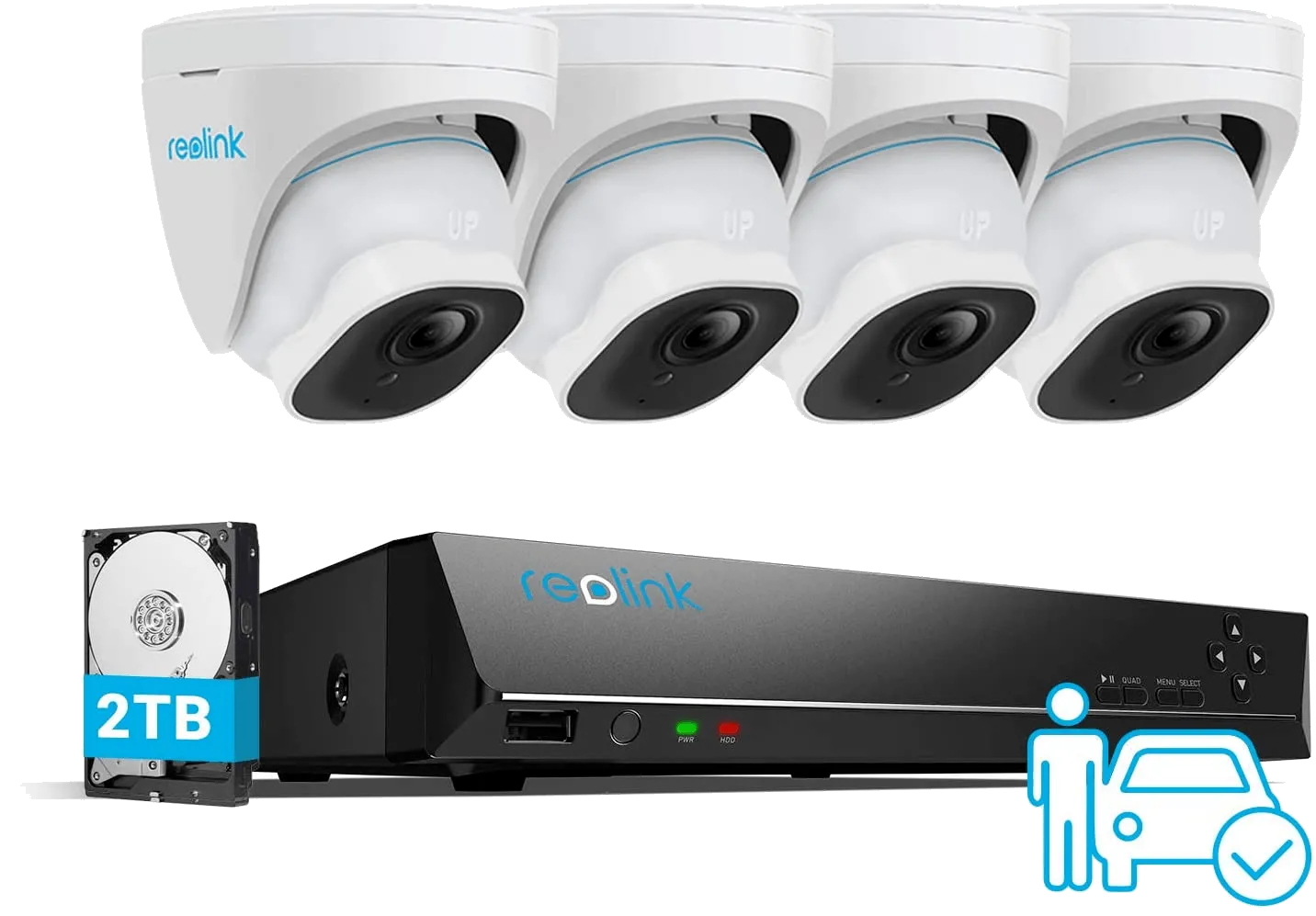
If you want detail you can actually use, this is the pick. At 4K (8MP) it holds nearly four times the resolution of a 1080p camera, so digital zoom stays clear instead of turning to mush. Being PoE, each camera needs one ethernet cable for power and data, and footage records to the local NVR with no monthly plan.
Key specs
- 4K Ultra HD, 3840 x 2160 at 8MP
- PoE: one cable per camera for power and data
- Smart person and vehicle detection to cut false alerts
- Local NVR recording; expandable storage
Bottom line
The person-and-vehicle detection keeps the alerts meaningful, and the local NVR gives you 24/7 recording without a subscription. Reolink also backs it with a two-year warranty and lifetime support. The only real cost is labor: running ethernet to each spot is the slow part of the install. Worth it if you want the sharpest footage here.
No products found.
Pros
- True 4K detail with usable digital zoom
- Local NVR storage, no monthly fee
Cons
- Running ethernet to each camera is real work
3. ZOSI 1080p 8-Channel DVR Kit
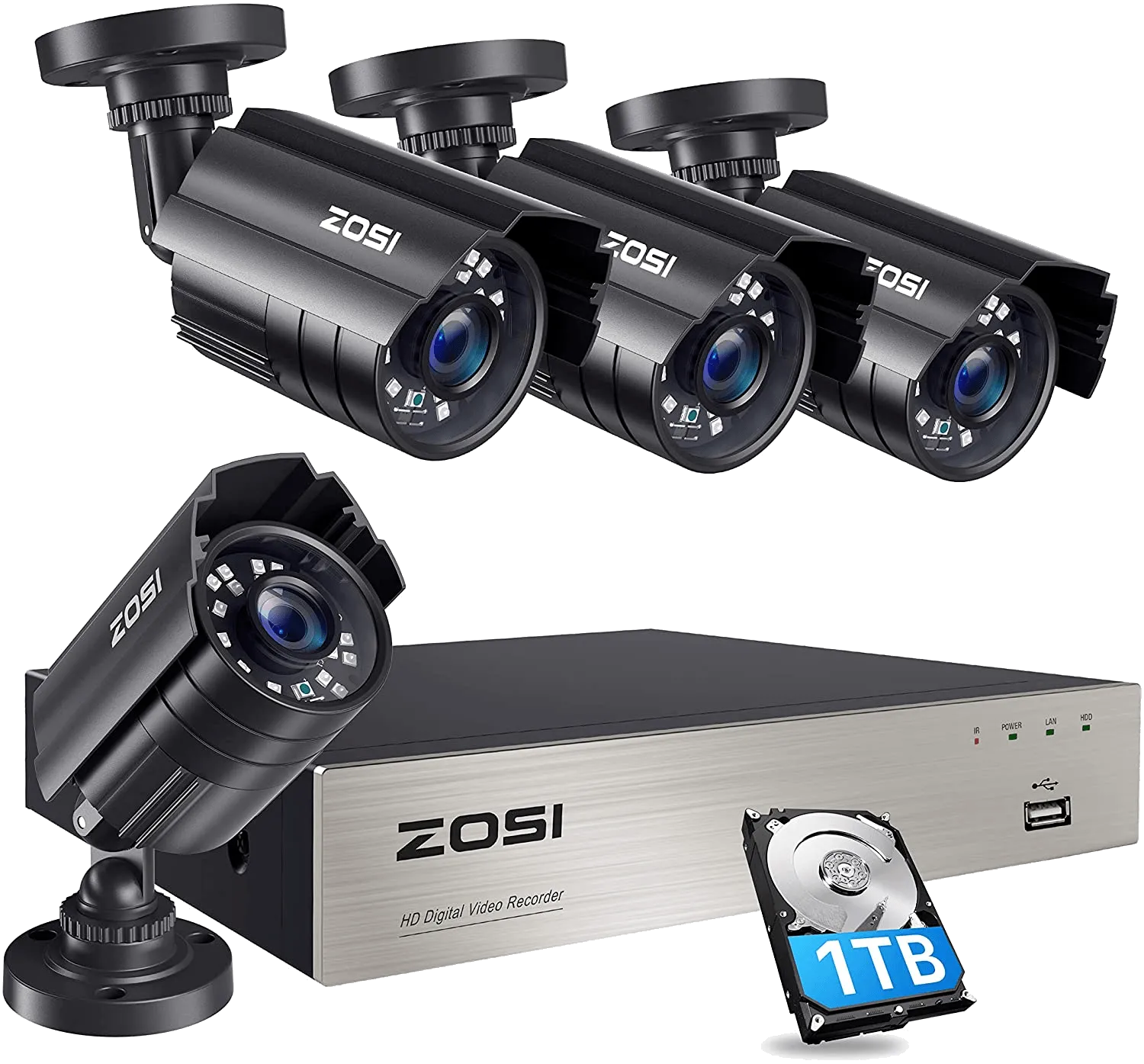
The budget way to cover a whole house. This is a wired DVR kit built around an 8-channel recorder, so you can expand the system as you go rather than buying everything at once. It uses H.265 compression, which roughly halves the file size at the same quality, so the drive records for longer before it loops.
Key specs
- 1080p recording, H.265 compression
- 4-in-1 DVR, 8 channels; supports HD-TVI/CVI/AHD/analog cameras
- Room to add up to four more 720p/1080p bullet or dome cameras
- Remote view over WiFi/mobile data on iOS and Android
Bottom line
Expandable channels and cheap-to-store H.265 make this a sensible first system if you are watching the budget and want local recording. You can set privacy masks to block off areas you should not record, and pull up local or remote playback from your phone. It is 1080p, not 4K, so it trades ultimate detail for coverage and price.
No products found.
Pros
- Expandable 8-channel DVR at a low price
- H.265 stretches recording time on the drive
Cons
- 1080p analog looks dated beside 4K IP cameras
4. ANNKE 5MP Wired Security Kit
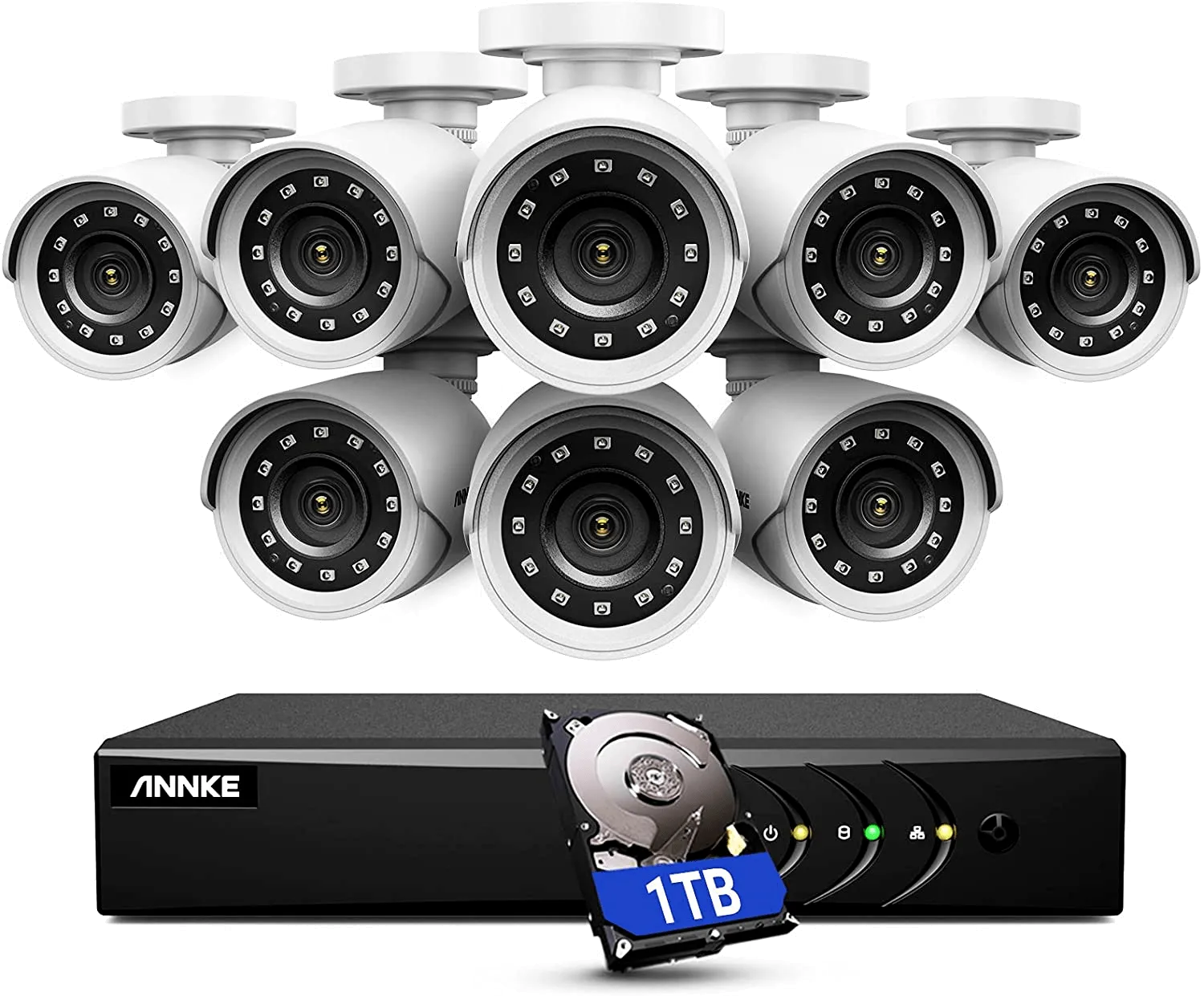
A step up in detail without going all the way to 4K. This wired BNC kit pairs eight cameras with an 8-channel, 5MP-capable DVR; the included cameras record clean 1080p at 30fps and reach about 100 feet of night vision. The smart IR and sensor keep dark footage cleaner than the usual grainy mess.
Key specs
- 5MP-capable DVR; included cameras record 1080p at 30fps
- ~100ft night vision; 8 cameras + 8-channel DVR, BNC wired
- 1TB hard drive included, H.265+ for longer recording
- IP66 weatherproof housing for outdoor mounting
Bottom line
The IP66 rating and tough housing make this one a good fit for exposed spots that take weather. You get the 1TB drive in the box, so there is no extra storage to buy on day one. The install is the usual wired job: fishing BNC cable to eight cameras is an afternoon of work, but you end up with steady, subscription-free coverage.
No products found.
Pros
- 5MP detail with ~100ft night vision
- Weatherproof IP66 housing, 1TB drive included
Cons
- BNC wiring makes for a bigger install job
5. Rraycom 1080p Outdoor Security Cameras
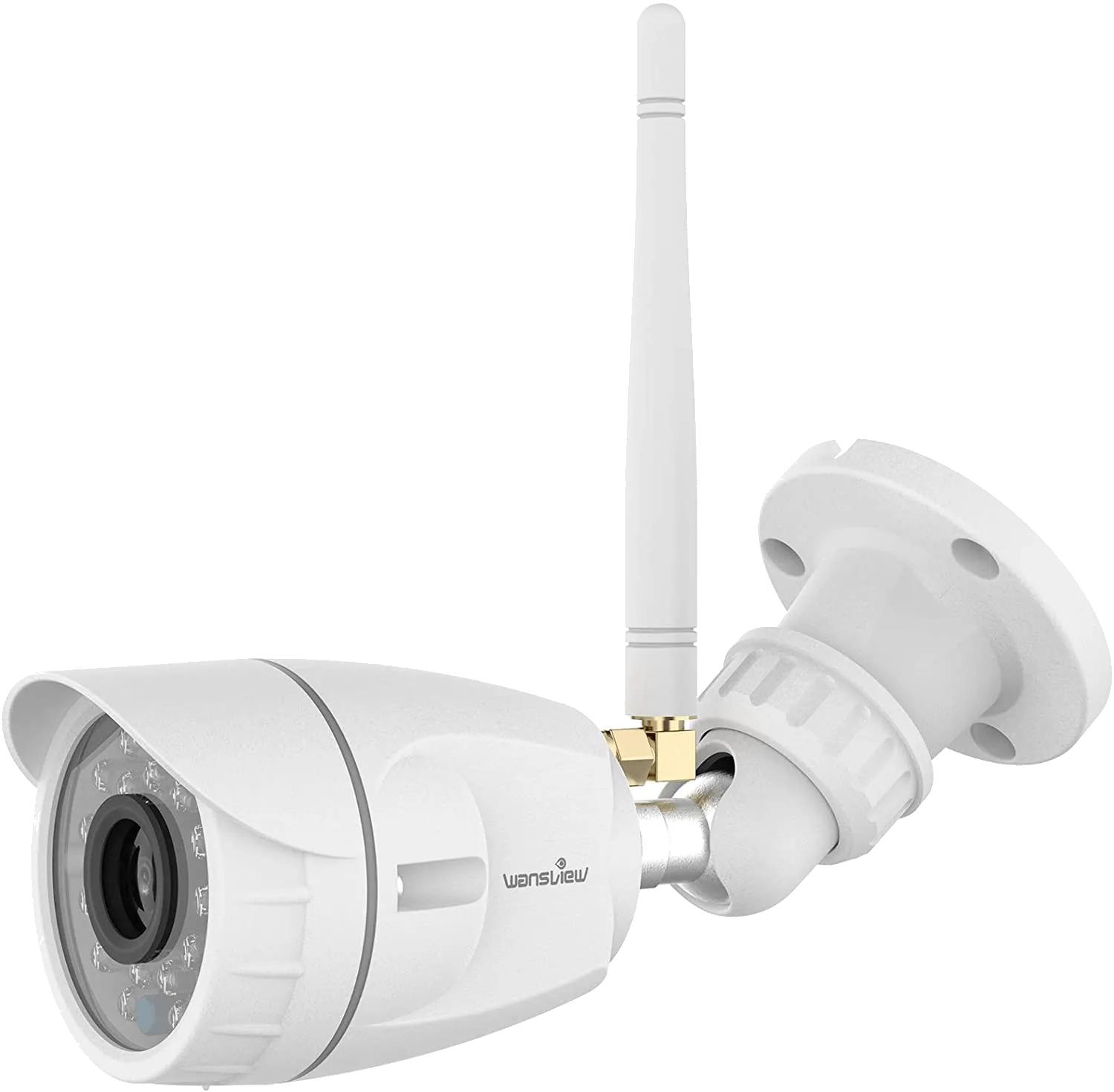
Built for the perimeter. This kit puts eight outdoor cameras around the house at 1080p and up to about 115 feet of night vision, so a dark back fence still shows up. Recording modes cover auto, manual, and motion-triggered, and you scan a QR code to get the app on a phone or tablet.
Key specs
- 8 outdoor cameras, 1080p at 30fps
- Up to ~115ft night vision
- Auto, manual, and motion-detection recording
- Free iOS/Android app via QR-code setup; 1-year warranty
Bottom line
If your worry is the yard rather than indoors, eight outdoor cameras out of one box is good value, and motion-only recording keeps you from wading through hours of nothing. Rraycom includes a one-year warranty with free part replacement and lifetime tech support. Like the other DVR kits, it means cabling and a mounted recorder, so plan the runs before you start drilling.
No products found.
Pros
- Eight outdoor cameras with ~115ft night vision
- Motion-only recording; 1-year warranty and support
Cons
- DVR kit needs cabling and a mounted recorder
House Camera System: Frequently Asked Questions
Where can I legally point a home security camera?
On your own property you have wide latitude: doors, driveway, yard, and entry points are all fair game. The gray area is anywhere someone expects privacy, like a neighbor’s window, their fenced yard, or a shared bathroom. Audio recording is stricter than video in many places and can need consent, so it is worth checking your local laws before you aim a camera over the fence line.
Can a house camera system work without the internet?
Yes, if it records locally. A wired DVR or NVR kit keeps recording to its own hard drive whether or not the internet is up, so you still have footage after an outage. What you lose without a connection is remote access: live view and phone alerts need WiFi or mobile data. Cloud-only wireless cameras, by contrast, stop recording entirely if the network drops.
How long is security camera footage kept?
Most systems keep footage for about 30 to 90 days before it loops and records over the oldest files. How long you actually get depends on your storage size, resolution, and frame rate: higher settings fill a drive faster. A bigger hard drive on a local DVR/NVR, or a paid cloud plan, extends that window.
Do all cameras have motion detection and a built-in alarm?
No. Most modern cameras include motion detection, but a built-in siren or alarm is not universal, so check the spec sheet before you buy. If an alarm matters to you, look for cameras that list it directly, or pair the cameras with a separate alarm as part of a fuller security setup.
How many cameras do I need for a house?
For an average home, four to eight cameras cover the main entry points: front door, back door, driveway or garage, and one or two side or yard angles. Start with the doors, since that is where most break-ins happen, then add cameras for blind spots. An expandable DVR or NVR kit lets you grow without replacing the whole system.
Conclusion
Three picks cover most homes. Best overall: the Reolink 4K PoE kit, for sharp footage, smart alerts, and local recording with no monthly bill, as long as you do not mind running the cable. Best for renters or a quick start: the Ring Stick Up Cam, up in fifteen minutes, keeping in mind the cloud plan for saved clips. Best on a budget: the ZOSI 1080p kit, for whole-house coverage at the lowest price. Whichever you choose, keep the lenses clean and the firmware current so the system keeps earning its keep, and our guide on how to maintain your security camera covers the upkeep.
Thank you for reading!